
WordPress is famous for being beginner-friendly, but many of its default settings actually hurt your blog if left unchanged.
- Generic titles and taglines damage trust.
- Messy links confuse both Google and readers.
- Poor security setups leave you open to hacks.
I learned fast that spending a few minutes on setup prevents months of frustration later. And the best part? Anyone can do it — no tech background required.
Why It Matters:
Your site title and tagline show up in browser tabs, Google results, and sometimes right at the top of your homepage. Leaving it as “Just another WordPress site” screams unprofessional.
How to Fix It:
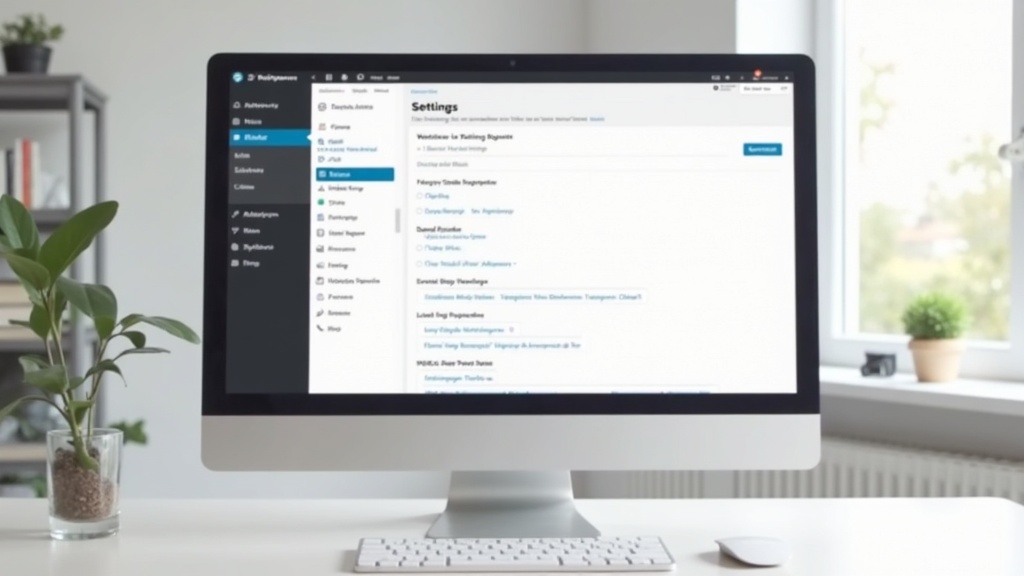
- In your WordPress dashboard, go to Settings → General.
- Enter a clear, brandable site title (e.g., Simple Recipes for Busy People).
- Write a short tagline that sums up your niche and includes a keyword if possible (e.g., Easy dinners for families and food lovers).
Pro Tip: If your web host’s setup skips these steps or feels overwhelming, Bluehost makes it beginner-friendly with a guided setup.
Why It Matters:
By default, WordPress uses ugly URLs like yoursite.com/?p=123. Google hates them, readers can’t understand them, and fixing them later is messy.
How to Fix It:
- Go to Settings → Permalinks.
- Choose Post Name.
- Save changes before publishing any posts.
Your blog posts will now look like yoursite.com/awesome-post.
Pro Tip: Want a step-by-step roadmap for SEO and blog growth? Here’s my full Wealthy Affiliate Review.

Why It Matters:
Without planning, WordPress dumps every post into “Uncategorised.” It looks amateurish and confuses search engines. Smart categories improve both navigation and SEO.
How to Fix It:
- Go to Posts → Categories.
- Create 2–5 clear, broad categories (e.g., Beginner Recipes, Tech Reviews).
- Rename “Uncategorised” to something meaningful.
- Use tags sparingly for specific topics.
Pro Tip: If your blog is already messy, you can hire help — but read my Fiverr Review first so you know what to expect.
Why It Matters:
Scheduling posts and campaigns gets chaotic if your time zone is wrong. Analytics also become inaccurate, making it harder to track performance.
How to Fix It:
- Go to Settings → General.
- Choose your local city or correct UTC offset under Timezone.
- Adjust date and time formats to your audience’s preference.
This small tweak prevents scheduling errors and ensures your data makes sense.

Why It Matters:
Running a blog without SSL means browsers may label it “Not Secure,” which scares off readers and hurts rankings. Today, SSL is non-negotiable.
How to Fix It:
- Check if your hosting provider offers free SSL (many do).
- On Bluehost, it’s a simple one-click setup (affiliate link).
- If your host doesn’t include SSL, use a plugin like Really Simple SSL or switch to a host that does.
- Update your WordPress Address (URL) to start with
https://.
Pro Tip: If your host doesn’t include free SSL, you might want to switch. I cover everything in detail in my Bluehost Review

Fixing these WordPress settings for beginners will instantly make your blog more professional, secure, and SEO-friendly.
I check these same settings every time I launch a new site. And trust me — getting them right early saves a ton of headaches later.
👉 If you’re ready to go beyond setup and actually turn your blog into income, I highly recommend Wealthy Affiliate. It’s the training platform I wish I’d found when I first started.
Start with these five settings today — and set yourself up for long-term blogging success. The best time to get them right is now.